

Don Kaufman here.
I literally bought four different monitors on Amazon. Just one of each. Opened them up in my Arizona mountain house and let my kid loose on them.
"This KTC thing absolutely smokes your old monitor, Dad."
When a 13-year-old who plays Fortnite on a multi-monitor setup tells you a $97 monitor destroys your expensive Dell, you listen.
Here's what I've learned building three trading setups over the years: The most expensive components aren't always the best ones.
And sometimes your best tech advisor is the person who stares at screens longer than you do.
My kid was right.
These KTC monitors have 180 hertz refresh rates. The old "high-end" monitors I was using? 60 hertz. When you're staring at blinking lights and painting charts for seven hours a day, that refresh rate difference will save your eyes.
My first monitor setup: $600 per monitor, six Dell monitors totaled $3,600. This new setup: $97 per monitor, $582 total. Better performance, fraction of the cost.
The entire mountain fortress computer system - six monitors, sit-stand desk, dual monitor arms, speakers - came in under $1,600. My first system cost almost $6,000 just for components.
I broke drill bits trying to mount the arms to the bamboo desk. That desk is tougher than most trader egos.
But I had to do it myself. Everything identical across all my setups. When I sit down anywhere, I know exactly where everything is.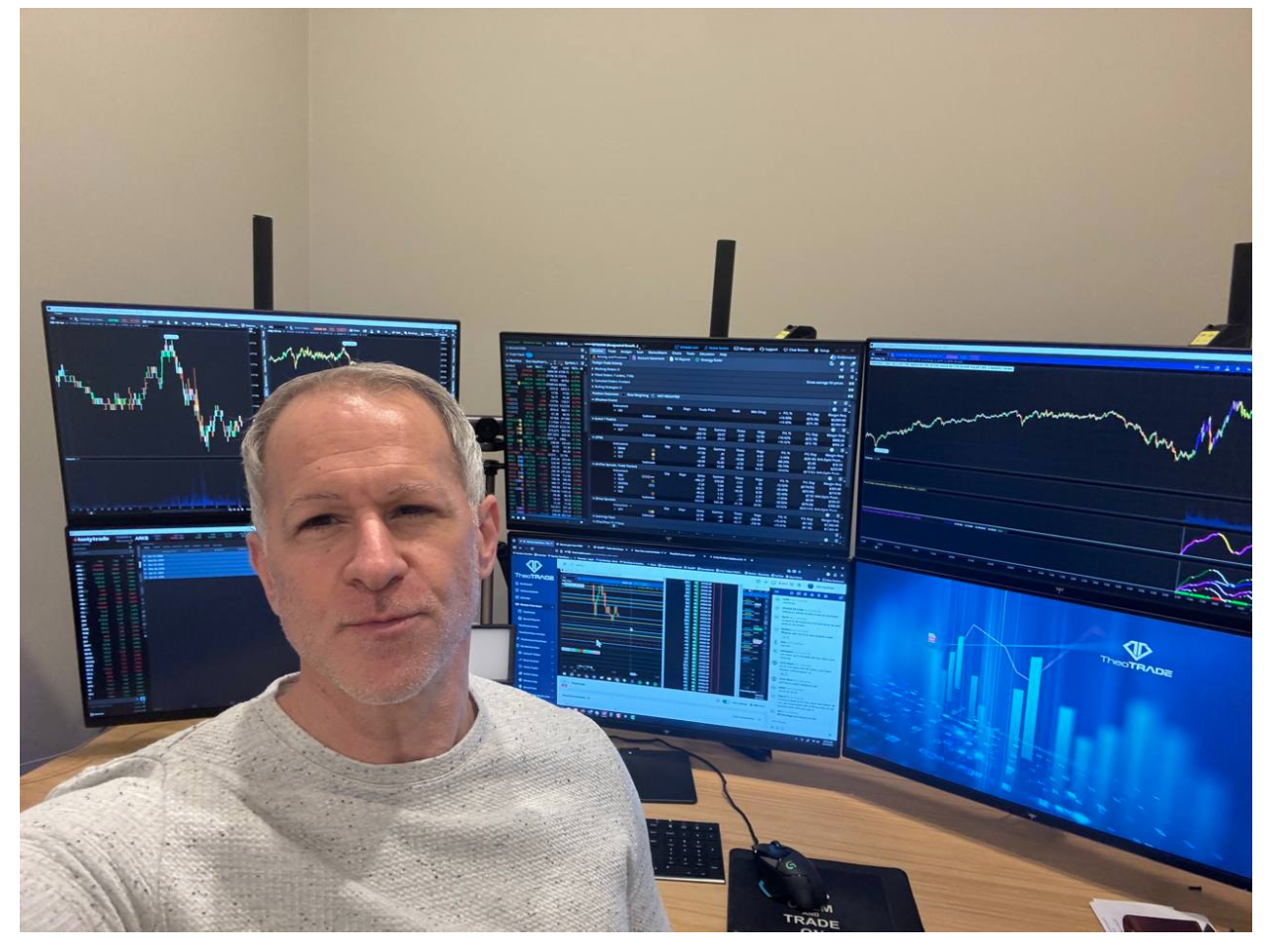
Why build three setups?
Because consistency eliminates decisions. I don't waste brain power remembering where I put the SPX chart. Same screen, same position, every location.
The wobble stool was probably a mistake. I've fallen off it more than once during live sessions. But it's the only exercise I get, so we'll call it a feature.
My wife's rule when we bought the mountain house: "Get the computer system set up first, then we'll worry about furniture."
She gets it. I can't function without my screens properly positioned.
Here's what actually matters in a trading setup:
Graphics cards, not CPU power. You need NVIDIA cards painting those charts - one card handles three monitors, two cards for six. Intel graphics cards suck.
Refresh rate over resolution.
Gaming monitors beat "professional" monitors because gamers demand smooth performance. Traders should too.
Individual screens, not one giant monitor. I tried the big monitor approach at thinkorswim’s Chicago office. Hated it. I want to see SPX from across the room.
The computer box is the least important part now. Costco has systems that would handle this workload.
Total system cost in 2024: Under $2,000 excluding the computer. My MacBook Pro-requesting kid got a reality check when I showed him what actual productivity costs.
The lesson isn't about the specific parts. It's about testing everything yourself and listening to people who actually stress-test equipment.
Gamers torture hardware in ways professionals never consider. A 13-year-old who needs 180fps to win at Fortnite understands monitor performance better than most financial advisors understand their Bloomberg terminals.
Sometimes your best edge comes from your kid schooling you on refresh rates.
To your success,
Don Kaufman